Top Techniques for Ensuring Online Anonymity
In today's digital world, our personal information faces many risks. Data breaches happen often, surveillance systems are growing, and tracking technologies are getting better. Keeping your identity hidden online has become really important, not just nice to have. True privacy needs anonymity - being able to use online services without revealing who you really are.
Essential Anonymity Techniques
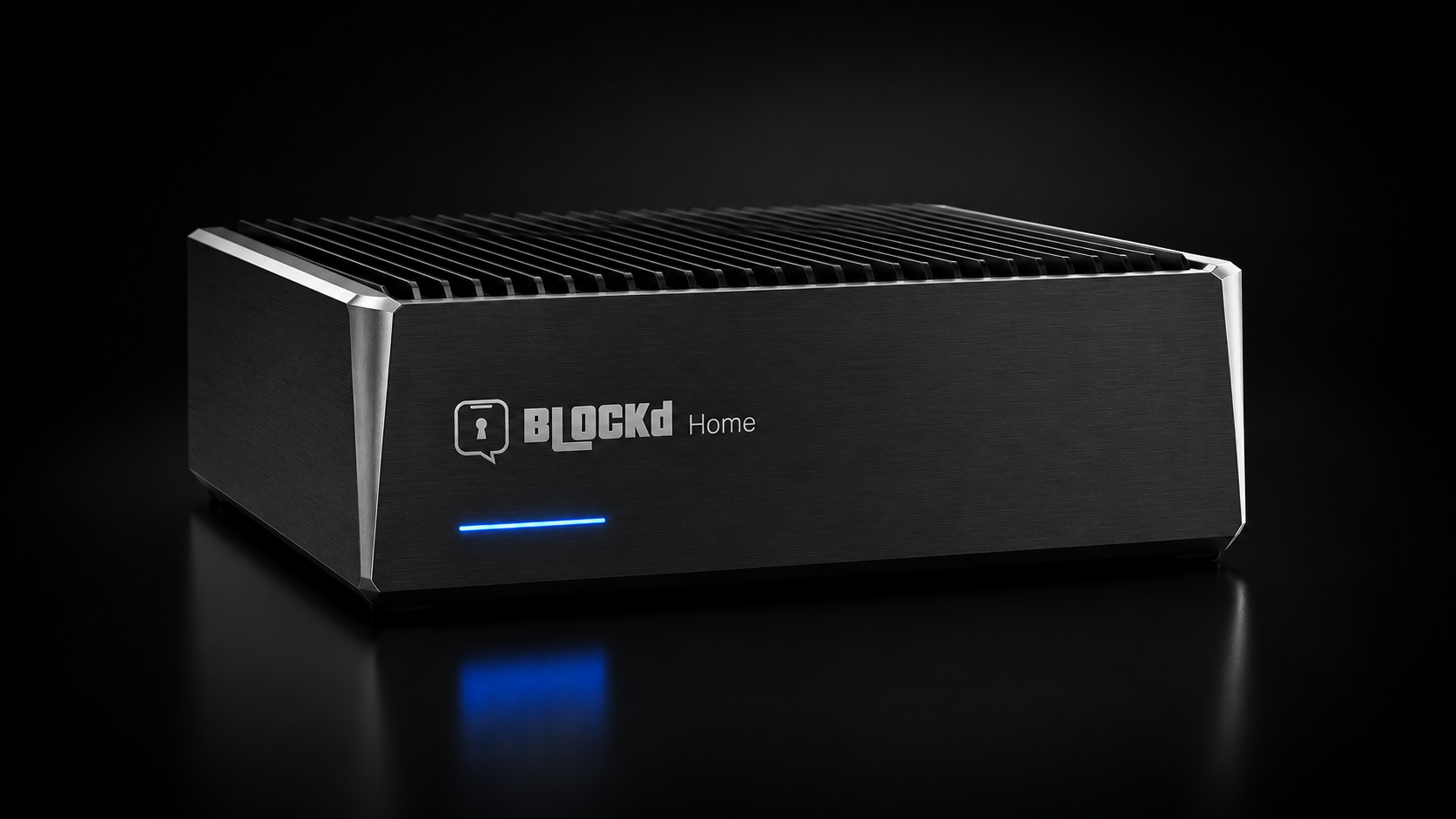
- Use encrypted messaging platforms like Blockd that don't require KYC verification
- Implement VPN services to mask your IP address and encrypt your connection
- Choose privacy-focused email providers that offer encryption
- Store sensitive files in secure, encrypted cloud storage
- Practice compartmentalization of your digital identity
- Minimize personal information sharing across platforms
In today's digital world, our personal information faces many risks. Data breaches happen often, surveillance systems are growing, and tracking technologies are getting better. Keeping your identity hidden online has become really important, not just nice to have. True privacy needs anonymity – being able to use online services without revealing who you really are.
The problem is that most messaging apps and online services make you verify who you are with KYC procedures. They connect your online activities to your real identity through phone numbers, email addresses, and other personal information. This creates a trail that can be tracked and analyzed by different companies and organizations.
At Blockd, we believe strong anonymity is the foundation of real privacy. Without it, even encrypted messages can be traced back to you through metadata analysis. This article covers practical ways to stay anonymous online, helping you protect your digital identity from unwanted tracking and security threats.
Understanding the Difference Between Privacy and Anonymity
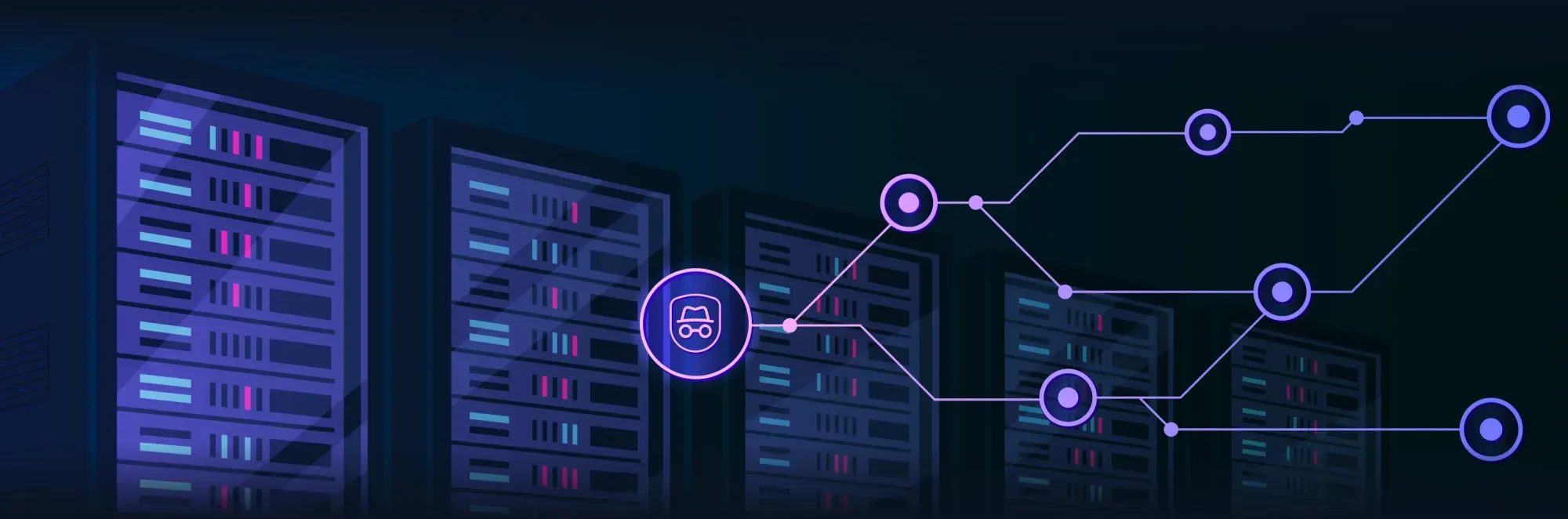
Privacy and anonymity work together but do different jobs in protecting you online.
- Privacy is about controlling what information about you is shared, who can see it, and when.
- Anonymity means keeping your real identity completely separate from your online activities, creating a wall between your digital footprint and your real self.
Why Anonymity Matters in the Digital Age
Anonymity has become essential today for several important reasons:
- Protection from Mass Surveillance
Government agencies and big companies collect huge amounts of data on people. Strong anonymity tools shield your activities from these collection efforts, letting you use the internet without constant monitoring. - Defense Against Targeted Monitoring
Journalists, activists, whistleblowers, and others who might be specifically targeted often depend on anonymity for safety. In many cases, it can be genuinely lifesaving. - Prevention of Identity-Based Discrimination
When your real identity is separated from your online activities, you're less likely to face discrimination based on race, gender, religion, political beliefs, or other personal traits. - Reduced Risk of Data Breaches
Information that isn't collected can't be stolen. Using services that minimize data collection reduces potential damage from security incidents. - Freedom from Algorithmic Manipulation
Anonymous browsing makes it harder for companies to build detailed profiles that are used to predict and influence your behavior through targeted ads and content.
The Metadata Problem
Even when your communications content is thoroughly encrypted with the strongest available algorithms, metadata (information about who communicated with whom, when, how frequently, and for how long) can reveal surprisingly detailed and intimate personal information about your activities and relationships. Achieving true anonymity requires protecting both your content and your metadata through comprehensive security measures.
Anonymous Communication Tools and Services
Encrypted Messaging Without Identity Verification
Most mainstream messaging apps require phone number verification during registration:
- Signal offers strong end-to-end encryption, but requires a phone number.
- WhatsApp and Telegram also mandate phone verification.
This creates an immediate link to your real identity, undermining privacy claims even when message content is encrypted. Your communication patterns can still be tracked through metadata.
At Blockd, we've created a messaging platform that breaks this pattern by not requiring KYC verification through email or phone numbers. This lets users communicate securely without linking their digital conversations to their real-world identities, providing true privacy through strong anonymity protections.
Key Features of Anonymous Messaging
- No Phone Number or Email Verification
Create accounts without linking to any personal information, removing the most common privacy weakness. - End-to-End Encryption
Strong encryption keeps message content private and inaccessible to third parties, including service providers. - Metadata Protection
Minimized collection of communication patterns and relationship data that could be used for tracking. - Tor Network Integration
Route communications through the proven Tor network to obscure origins and destinations, preventing network-level surveillance. - Open-Source Code
Transparent access to code allows independent security researchers to verify security claims and find potential weaknesses.
Why Traditional Messaging Apps Fall Short
Even the most technically secure encrypted messaging applications typically require mandatory phone number verification during setup, creating a permanent link between your communications and your real identity. This fundamental design flaw means that while your message content might be protected, your:
- communication patterns
- social connections
- identity
remain exposed to various forms of surveillance and tracking through metadata analysis.
Secure Email Solutions
Email remains an essential communication tool for both personal and work use, but standard email protocols weren't designed with privacy in mind. Traditional email services often:
- scan message content for advertising
- store messages unencrypted on their servers
- collect extensive metadata
Secure email providers address these problems with encryption, better policies, and privacy-focused design.
Recommended Encrypted Email Providers
- ProtonMail
Based in Switzerland with strong privacy laws, ProtonMail offers end-to-end encryption, zero-access encryption, and open-source code. Free tier plus paid plans. - Tutanota
German-based service with automatic encryption, secure calendar integration, and no personal info required for registration. Includes free and paid plans. - StartMail
Offers encrypted email plus:- Bitcoin payment option
- IMAP/SMTP support for desktop clients
- Disposable email addresses
- No content scanning for ads
Email Anonymity Best Practices
- Use providers that minimize data collection and don’t require personal information to register.
- Create separate, dedicated email accounts for different aspects of your life (work, personal, shopping, sign-ups).
- Access sensitive email accounts through anonymizing networks like Tor to mask your IP and location.
- Use PGP for especially sensitive email content.
- Be mindful of email headers, which can reveal device, routing, and location information.
VPN Services for IP Address Protection
A Virtual Private Network (VPN) is one of the most basic and accessible tools for maintaining anonymity online. A good VPN:
- encrypts your internet traffic
- routes it through a remote server
- hides your real IP address
This makes it harder for websites, ISPs, and some third parties to track your online activities.
Recommended VPN Services
- Mullvad VPN
Account creation with just an account number (no email). Accepts cash and crypto, supports multiple devices, independently audited, strong “people over profits” philosophy. - ProtonVPN
From the Proton team (ProtonMail). Free tier with unlimited bandwidth, paid tiers with more features, strict no-logs policy, audited, based in Switzerland. - IVPN
Security-focused design, multi-device usage, “open by design” with published source code and regular independent audits.
Key VPN Features for Anonymity
When choosing a VPN for anonymity, look for:
- No-logs Policy (ideally independently audited)
- Kill Switch to cut internet if VPN drops
- DNS Leak Protection to keep DNS queries inside the VPN tunnel
- Multiple Server Locations for geo-diversity
- Strong Encryption such as AES-256 and modern protocols like WireGuard
- Anonymous Payment Options like crypto or cash where possible
VPN Limitations
VPNs are powerful tools, but not magic shields:
- Your VPN provider can theoretically see your traffic, so trust and audits are critical.
- They do not protect against all forms of browser fingerprinting or cookies.
- For high-risk scenarios, consider a VPN + Tor combination for layered protection.
Secure File Storage and Sharing
Storing and sharing files securely is another important part of maintaining online anonymity. Standard cloud storage often:
- collects detailed user data
- relies on weak or server-side encryption
- may provide backdoor access or be easily compelled to hand over data
Privacy-Focused Cloud Storage Options
- Internxt
Private and secure file storage with a 10 GB free plan. Key features:- Client-side encryption
- No KYC for basic accounts
- Security audits by Securitum
- Tresorit
End-to-end encrypted storage, zero-knowledge provider, Swiss-based, suitable for individuals and businesses. - Sync.com
Canadian service with zero-knowledge encryption and 5 GB free storage; all encryption happens on your device.
Best Practices for Secure File Handling
- Encrypt Files Before Uploading
Use tools like VeraCrypt or 7-Zip locally so the cloud never sees unencrypted data. - Use Zero-Knowledge Providers
Choose services architected so they cannot decrypt your data. - Consider Decentralized Storage
Distributed storage reduces reliance on single centralized providers. - Secure Deletion
Use secure deletion tools to overwrite files you no longer need. - Share Files Securely using:
- End-to-end encrypted transfer services
- Temporary links with expiration and access limits
- Password-protected archives with strong encryption
- Decentralized sharing platforms
- PGP-encrypted email attachments for maximum content protection
Anonymous Browsing Techniques
Your web browser is one of the biggest sources of tracking. Regular browsers collect:
- browsing history
- search queries
- cookies and identifiers
- behavioral patterns
These are combined into detailed profiles.
The Tor Network: Maximum Anonymity
The Tor (The Onion Router) network provides one of the strongest anonymity systems available to the public. It routes your traffic through multiple encrypted relays, making tracing back to your real IP extremely difficult.
At Blockd, we integrate directly with the Tor network, giving users access to this battle-tested infrastructure instead of relying on smaller proprietary routing systems.
How Tor Works
- Your traffic is encrypted in multiple layers (“onion” encryption).
- It is routed through at least three randomly selected Tor nodes.
- Each node only knows the previous and next node, not the full path.
- The exit node connects to the final destination.
- The layered design makes tracing the connection technically difficult.
Tor Browser Best Practices
For maximum anonymity with Tor Browser:
- Don’t maximize the window to full screen.
- Use the default or safer security levels.
- Avoid installing additional extensions.
- Don’t log into real-identity accounts.
- For extra protection, consider using Tor over a reputable VPN.
Browser Fingerprinting Protection
Browser fingerprinting tracks you by your browser’s unique combination of:
- settings
- plugins
- fonts
- screen resolution
- hardware details
- and more
Unlike cookies, fingerprints are harder to block and reset.
Techniques to Minimize Fingerprinting
- Use browsers with anti-fingerprinting built-in (Tor Browser, hardened Firefox).
- Disable JavaScript on sensitive sites when feasible.
- Use extensions that randomize or normalize fingerprint attributes.
- Keep a consistent window size.
- Restrict browser access to APIs commonly used for fingerprinting.
Identity Compartmentalization Strategies
One of the most effective techniques for maintaining anonymity is identity compartmentalization—separating your online activities into distinct, isolated “identities” that cannot be connected by technical or behavioral means.
The Principle of Separation
The goal is to ensure your different online activities remain strictly separated, preventing anyone from building a complete profile of your digital life.
Implementation Strategies
- Use Different Browsers for Different Roles
- Browser A: Personal accounts
- Browser B: Work
- Browser C (e.g., Tor): Anonymous browsing
- Create Purpose-Specific Email Addresses
Separate email for personal, work, shopping, sign-ups, and anonymous activities. - Use Multiple Devices When Possible
Dedicated devices for sensitive vs. everyday tasks. - Time Separation
Avoid switching identities too quickly in one session; introduce gaps between “roles.” - Mental Discipline
Always know which identity you’re using and avoid accidental cross-contamination (e.g., logging into a real account from an anonymous browser).
Compartmentalization Summary
- 🌐 Browser Separation – Different browsers/configs per identity.
- 📱 Device Separation – Separate devices for sensitive and non-sensitive tasks.
- 📧 Email Separation – Unique, unlinked email accounts per identity.
- ⏰ Time Separation – Don’t rapidly alternate identities; avoid timing correlations.
Secure Operating Systems and Hardware
Your OS and hardware form the base of your security stack. Mainstream systems (Windows, macOS) offer convenience but often:
- collect telemetry
- integrate with cloud ecosystems
- may contain vulnerabilities that impact anonymity
Privacy-Focused Operating Systems
For high-sensitivity contexts, consider:
- Tails OS
Live OS from USB, leaves no trace on host computer, routes all traffic through Tor. - Qubes OS
Uses virtualization to isolate activities into separate “qubes,” limiting damage from compromise. - Whonix
Runs in a VM and routes all traffic through Tor, designed specifically for anonymity and protection against IP leaks. - Linux Distributions
Well-configured Debian, Fedora, or Ubuntu can offer better privacy than default Windows/macOS setups.
Hardware Considerations
- Use Generic Hardware
Avoid extremely unique hardware setups that create identifiable fingerprints. - Privacy-Focused Devices
Some manufacturers offer laptops with hardware kill switches for camera, mic, Wi-Fi, etc. - Be Careful with Peripherals
External devices can introduce unexpected vulnerabilities. - Physical Security Matters
Use privacy screens, be aware of cameras and people nearby, secure your devices physically.
Remember: Even the strongest digital protections can be defeated if someone can simply look over your shoulder, access your unlocked device, or install hardware keyloggers.
Social Media and Online Services Anonymity
Social media and large online platforms are built around data collection and profiling. Maintaining anonymity there is challenging but not impossible.
Minimizing Social Media Exposure
If you must use social media:
- Create Pseudonymous Accounts
No real name, face, or identifiable biographical details. - Access via Anonymizing Networks
Use Tor or a reputable VPN when accessing these accounts. - Limit Personal Information
Share only what’s absolutely necessary (and consider whether you need to share it at all). - Disable Location Services
Turn off location access and remove location metadata where possible. - Review Privacy Settings Regularly
Platforms frequently change privacy defaults and add new tracking mechanisms.
Alternative Privacy-Respecting Services
Consider replacing mainstream platforms with privacy-friendly ones:
- Search – DuckDuckGo, Startpage, or SearX instead of Google
- Maps – OpenStreetMap instead of Google Maps
- Video – PeerTube or LBRY instead of YouTube
- Social – Mastodon, Diaspora, or other federated platforms instead of Facebook/Twitter
Financial Privacy and Anonymous Payments
Financial data is extremely revealing: where you go, what you buy, who you pay, and how often. Traditional payments (cards, bank transfers) create detailed transaction histories.
Cryptocurrency Considerations
- Bitcoin
Not truly anonymous by default. All transactions are public on the blockchain and can be analyzed—but with careful use, it can offer more privacy than traditional banking in some contexts. - Privacy Coins
- Monero, Zcash, Dash, etc.
These use technologies like stealth addresses, ring signatures, and zero-knowledge proofs to hide transaction details.
- Monero, Zcash, Dash, etc.
- Best Practices
- Use different wallet addresses often
- Avoid reusing addresses
- Consider reputable mixing or privacy-enhancing tools
- Always access wallets/services through Tor or VPN
Alternative Payment Methods
- Prepaid Cards – Bought with cash, used online with minimal identity exposure.
- Gift Cards – Purchased anonymously and used as payment where accepted.
- Cash – Still the most private option for in-person payments.
Protecting financial privacy is critical because spending patterns can reveal health, politics, religion, sexuality, and much more.
Metadata Protection Strategies
Metadata is often more revealing than content. Even with perfect encryption, metadata can show:
- who you talk to
- when and how often
- from where
- how long
- across which services
What Metadata Can Reveal
Comprehensive metadata analysis can expose:
- Your social graph (who you’re connected to and how closely).
- Daily routines and behavior patterns.
- Location and movement history.
- Interests and lifestyle.
- Sensitive attributes (health, politics, religion, etc.).
Techniques for Reducing Metadata Exposure
- Use Services That Minimize Metadata Collection
Choose platforms like Blockd that are designed to collect as little metadata as possible. - Irregular Usage Patterns
Avoid fixed times and rigid routines that form identifiable patterns. - Multiple Communication Channels
Distribute communication across several platforms to prevent a single entity from seeing everything. - Leverage Tor
Use Tor-based tools that are specifically designed to obscure metadata. - Be Mindful of Timing Correlation
Recognize that simultaneous or matching patterns across accounts can link identities.
Metadata Protection Comparison
Communication MethodContent ProtectionMetadata ProtectionIdentity ProtectionOverall AnonymityStandard EmailPoorPoorPoorPoorEncrypted EmailGoodPoorModerateModerateStandard Messaging AppsModeratePoorPoorPoorE2E Encrypted MessagingExcellentModerateModerateGoodBlockd PlatformExcellentExcellentExcellentExcellentTor-Based CommunicationExcellentExcellentExcellentExcellent
Creating a Personal Anonymity Plan
There is no one-size-fits-all anonymity setup. The right level of protection depends on:
- who you are
- what you’re doing
- who might care
- what resources you have
Assessing Your Threat Model
Ask yourself:
- What am I protecting?
(e.g., identity, location, relationships, work, activism) - Who am I protecting it from?
(advertisers, data brokers, abusive ex, employer, state, etc.) - What happens if I fail?
(embarrassment vs. loss of job vs. legal consequences vs. physical harm) - What can I realistically commit?
(time, money, technical learning, lifestyle changes)
Building a Layered Defense
Think in layers:
- Basic Layer
- Privacy-focused browser
- Non-tracking search engine
- Good VPN
- Strong passwords and MFA
- Intermediate Layer
- Anonymized communications (e.g., Blockd)
- Identity compartmentalization
- Privacy-focused email and cloud storage
- Tor for sensitive browsing
- Advanced Layer
- Tails/Qubes/Whonix
- Hardware separation
- Strict operational security (OpSec) habits
- Cryptocurrency privacy and anonymous payments
Balancing Anonymity and Convenience
Stronger anonymity usually means more friction:
- More tools
- More steps
- More discipline
Start with the easiest high-impact changes, then layer on more as you get comfortable.
Conclusion: The Future of Online Anonymity
As technology evolves, so do both:
- surveillance capabilities, and
- tools to fight back.
Staying anonymous online is no longer just a niche concern—it’s becoming essential for anyone who wants real control over their digital life.
At Blockd, we believe genuine privacy requires robust anonymity—the ability to use digital services without revealing your real identity or creating permanent, traceable links back to you. Unlike conventional messaging platforms that depend on phone numbers or emails, our approach eliminates the usual metadata trail and integrates with the Tor network to provide battle-tested anonymity.
The future of online privacy depends on:
- tools that are anonymous by design,
- users who understand the stakes, and
- habits that prioritize data minimization over convenience.
Perfect anonymity is rarely achievable, but every step you take—from using Blockd, to hardening your browser, to compartmentalizing your identities—pushes you toward a safer, more private digital life.
Start with a few changes, build from there, and let your anonymity strategy grow with your understanding and needs.

_thumb.png)
.png)

.png)
.png)
.png)
.png)
.png)
.png)